
The document describes the features and characteristics of the RC4420 product, including common interface, Ethernet connection, digital audio, and high-definition display.
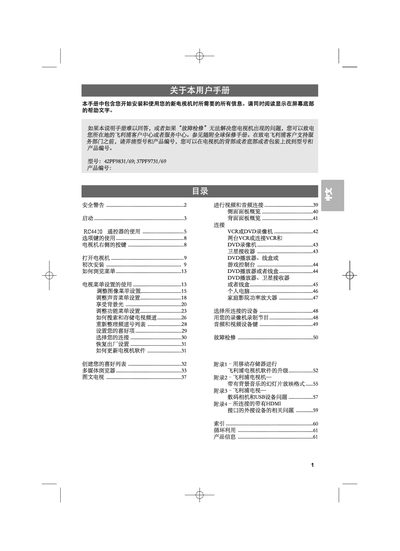
This manual provides all the information needed to install and use the Philips 42PF9831/69 television. It includes safety warnings, step‑by‑step installation, connection of audio/video sources, remote‑control functions, and menu navigation.
Additional sections cover picture and sound settings, Ambilight mode, software updates, factory reset, and detailed appendices for multimedia browsing, USB devices, HDMI connections and more. The document also contains troubleshooting tips and environmental disposal instructions. This manual is written in Chinese.
| Supported Video Formats | 480p, 480i, 576i, 576p, 720p, 1080i |
|---|---|
| HDMI Ports | HDMI 1 and HDMI 2 |
| EXT1 Input Capability | CVBS, RGB, Audio LVR |
| EXT2 Input Capability | CVBS, S‑VIDEO, RGB, Audio LVR |
| EXT3 Input Capability | YPbPr, Audio LVR |
Connect the HDMI cable to either HDMI 1 or HDMI 2 ports on the back of the television.
Select the “恢复出厂设置” option in the menu to restore the television to its original factory configuration.
Use the “如何更新电视” section in the manual to follow the steps for updating the television’s firmware.
The TV supports 480p, 480i, 576i, 576p, 720p and 1080i video formats.