
DXG USA DXG-5F0V HD User's Manual introduces the product's system requirements, features, functions, and usage methods.
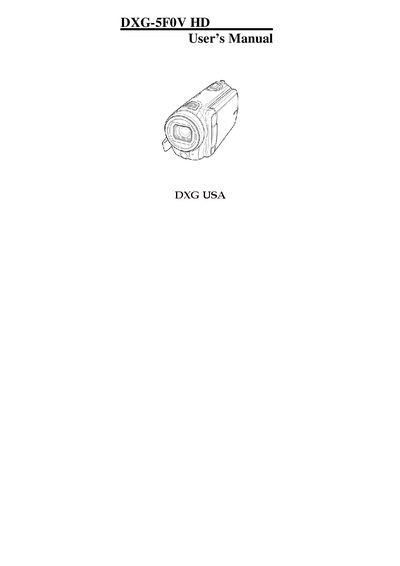
This manual explains how to set up and operate the DXG 5F0V HD camcorder. It covers unpacking, inserting batteries and SD cards, connecting to TV or PC, and using the various shooting modes such as video, photo, white balance, and night mode.
Safety precautions, operating temperature limits, battery handling, and LCD screen care are detailed to help avoid damage. The guide also includes system menu settings, troubleshooting tips, and contact information for DXG USA support.
| Operating Temperature | 0°C to 40°C (32°F to 104°F) |
|---|---|
| Battery Requirement | Use only the type of battery that came with the camera |
The camcorder is designed for use in temperatures ranging from 0 °C to 40 °C (32 °F to 104 °F).
No. Only the type of battery that came with the camera should be used.
Wipe the fluid with a clean cloth, rinse with plenty of water, and seek medical attention if it contacts eyes or skin.
Visit the DXG USA website at www.dxgusa.com for updates, registration, and technical support.