
DXG USA DXG-5B6V User's Manual, introduces the features and characteristics of the product, including system requirements, functions, appearance, usage methods, etc.
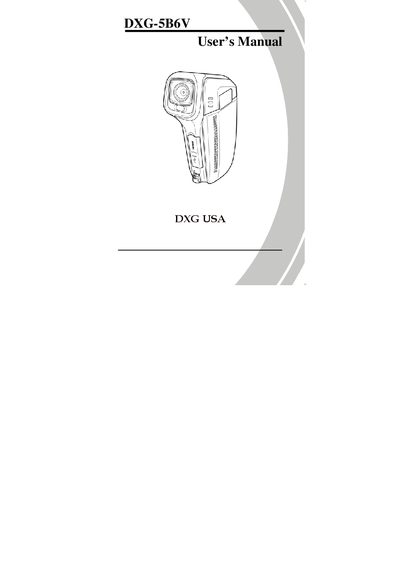
This manual introduces the DXG 5B6V video camera, covering unpacking, battery and SD‑card installation, and essential safety precautions. It guides users through initial setup, including date/time, language, and beep settings, and explains how to power the device on and off.
The guide details all operating modes—movie, photo, and voice—along with recording, playback, and macro functions. It also explains how to connect the camera to a computer or TV, use USB mass‑storage and Direct Print features, and navigate the various menus for settings such as image quality, white balance, and auto power‑off.
Insert the SD card as described in section 2.1 of the manual.
Select the language setting in section 2.5.2 of the manual.
Use the procedure outlined in section 2.9 to connect the camera to a TV.