
KECAM-10A network camera is a new generation of video surveillance products based on network technology. The product adopts the latest technologies in the IT field, such as H.264 video and audio compression technology, TCP/IP network technology and embedded technology. Its code is solidified in FLASH, and it runs stably and reliably.
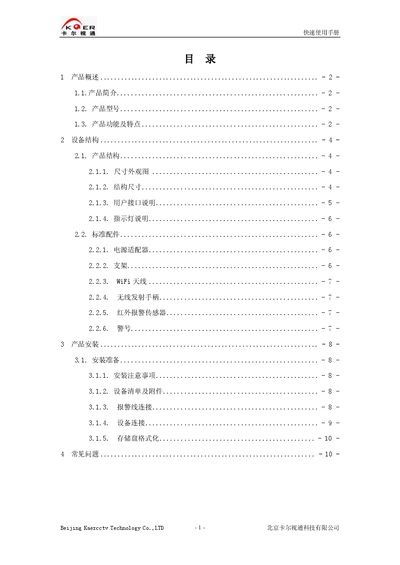
The KECAM-10A is an indoor gun‑type network camera developed by Kaercctv. It supports H.264 video compression, multiple resolution modes (D1, Half‑D1, CIF, VGA, QVGA, QQVGA), and optional Wi‑Fi, infrared illumination, and various alarm functions. The manual describes the device structure, user interfaces, indicator lights, and standard accessories such as power adapter, bracket, Wi‑Fi antenna, and infrared sensor.
Installation steps cover preparation, connecting power and network cables, formatting the SD storage, and configuring alarm lines. The guide also includes a troubleshooting section that addresses common connectivity and recording issues, as well as FAQ about indicator lights and network settings. This manual is written in Chinese.
| Video compression | H.264 |
|---|---|
| Audio compression | 6.711 standard |
| Supported resolutions | D1, Half‑D1, CIF, VGA, QVGA, QQVGA |
| Image sensor type | CCD or CMOS |
| Network protocol | TCP/IP suite |
| Indicator – Running light | Green, flashes once per second when normal |
Open the Network Video Terminal Configuration Tool, select the device, click “Hard Disk Format”, confirm the dialog, and the device will format the disk and reboot.
It indicates the system is operating normally; the green LED flashes once per second.