
This document provides instructions on how to use the PENTAX digital camera and includes information about copyrights and trademarks.
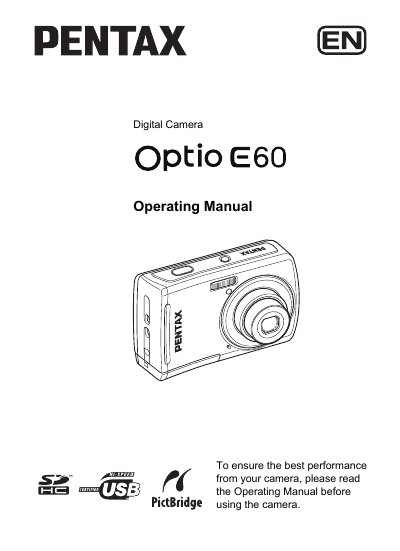
This manual introduces the Pentax Optio E60 digital camera, covering safety precautions, battery handling, and environmental limits. It explains how to install batteries, use the AC adapter, insert SD/SDHC cards, and connect the camera to a printer via PictBridge.
Detailed sections guide users through basic operation, menu navigation, shooting modes, picture and movie recording, playback, and troubleshooting. The document also lists specifications such as supported battery types, operating temperature range, and LCD pixel performance.
| Supported Batteries | AA alkaline, AA lithium, AA Ni‑MH, AA nickel‑manganese |
|---|---|
| Operating Temperature Range | 0 °C to 40 °C |
| LCD Pixel Yield | ≥ 99.99 % functioning pixels |
It uses two AA alkaline, AA lithium, AA Ni‑MH, or AA nickel‑manganese batteries.
The camera can be used from 0 °C up to 40 °C.
No, the camera is not waterproof and should not be exposed to rain or any liquid.
PictBridge lets you connect the camera directly to a compatible printer for direct image printing.