
This is the Vivitar ViviCam 3765 digital camera instruction manual, which introduces the camera's usage methods and features
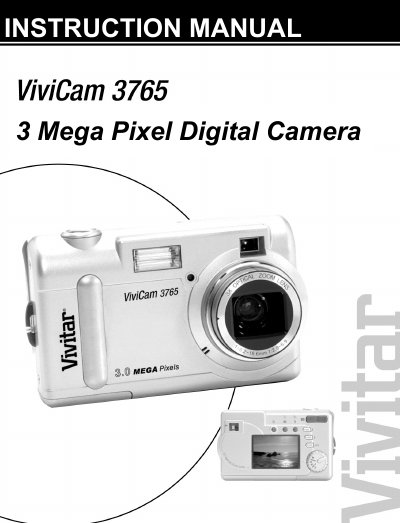
This manual guides you through getting started with the ViviCam 3765 digital camera, covering safety information, included components, and basic setup such as inserting a memory card, installing AA batteries, selecting language, and setting the date and time.
It also explains how to capture images and movies, use the various shooting modes, review photos on the LCD, connect the camera to a computer, and troubleshoot common issues. Appendices include a button‑function guide and a detailed troubleshooting guide. This manual is written in Chinese.
| Optical Zoom | 3x |
|---|---|
| Digital Zoom | 4x |
| Lens | Autofocus with macro function |
| Native Resolution | 2048 × 1472 |
| Maximum Interpolated Resolution | 2496 × 2016 |
| Internal Memory | 16 MB (14 MB usable) |
| Video Recording | Movie Clip Recording with audio |
| Interface | USB 1.1 (Mass‑storage class) |
| Flash | Four‑mode integral flash |
| White Balance | Automatic with preset modes |
| Timer | 10‑second self‑timer |
Open the memory‑card slot and insert an SD or MMC card as shown on page 11 of the manual.
Insert two AA alkaline batteries, observing the correct polarity, and ensure the camera is turned off before insertion.
Check that the batteries are installed correctly and have sufficient charge; replace them if necessary.
Use the supplied USB cable, install the provided software, and follow the steps in the Connecting to a Computer chapter.