
This is a user manual for JD3.3 x 4ie camera, which introduces the camera's safety precautions, specifications, name of parts, preparation before use, recording, playback/delete, others and warning information.
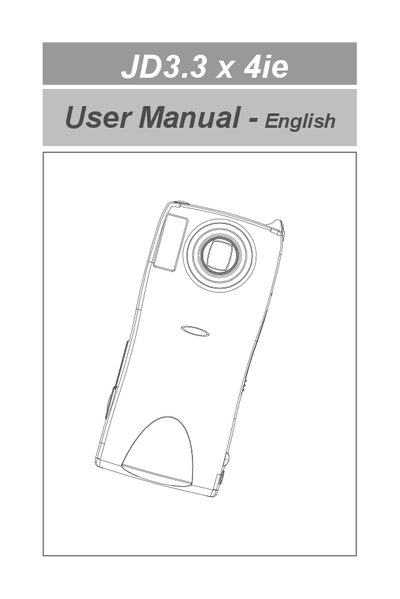
This manual begins with safety precautions for handling the JD3.3 x 4ie camera, covering battery hazards, water exposure, and proper power shutdown. It also lists the parts of the camera and explains how to prepare the device before use.
The guide then details camera operation, including powering the unit, using storage media, recording stills and video, playback functions, and transferring images to a computer. Additional sections cover advanced menu functions, video capture setup, driver installation, and handling warning messages.
| Video Signal Protocol | NTSC/PAL |
|---|---|
| AC Adapter | 5 V |
| Dimensions (W×H×D) | 116.7 × 53.8 × 29.5 mm |
| Operating Temperature | 0 °C to 40 °C |
| Storage Temperature | -20 °C to 60 °C |
| Internal Memory | 16 MB |
| Memory Card Slot | Secure Digital (SD) card slot |
| Image Sensor | 1/2.7 inch 3.34 MP |
| Lens | Zoom Lens F2.8 – F3.8 |
| Digital Zoom | 2× |
| Monitor | 1.5‑inch LTPS TFT color LCD |
| Shutter Speed | 1/1000 s (max) |
Do not disassemble, heat, expose to fire, water, or high temperatures, and keep it out of children’s reach.
Insert a memory card into the SD card slot.
Turn the mode dial to PLAY, connect the camera via USB, and use the Mass Storage function to copy files.