
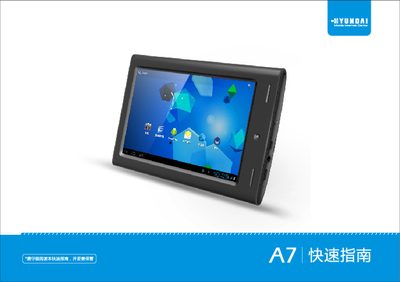
This Quick Start Guide introduces the Hyundai A7 tablet, an Android‑based pad designed for everyday use. It provides step‑by‑step instructions for powering on the device, navigating the interface, and connecting to networks and accessories.
The guide also lists the key technical specifications, such as the 800 × 480 display, 1.5 GHz processor, 512 MB DDR3 RAM, 32 GB internal storage, and support for Wi‑Fi 802.11 b/g, HDMI‑Mini output, and a 3.7 V 3000 mAh battery. Media compatibility, USB OTG, and 3G dongle usage are also covered.
| Display resolution | 800 × 480 (16:9) |
|---|---|
| Operating system | Android 4.0 |
| CPU | 1.5 GHz |
| Memory (RAM) | 512 MB DDR3 |
| Battery capacity | 3.7 V 3000 mAh |
| Wi‑Fi standard | 802.11 b/g |
| HDMI output | Mini HDMI connector |
| Maximum video output resolution | 3840 × 2160 (2160p) |
| Supported audio formats | MP3, WMA, APE, FLAC, WAV, OGG, AAC |
It runs Android 4.0.
The tablet supports Wi‑Fi 802.11 b/g.
The battery is rated at 3.7 V 3000 mAh.
HDMI can output up to 3840 × 2160 (2160p).