
This is a user manual for a digital camera. It introduces the camera's various functions and usage methods, including battery installation, power on, taking pictures, and playing back photos.
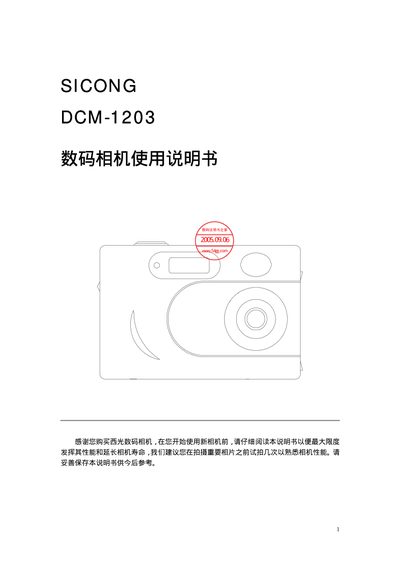
This manual covers everything you need to know about the SICONG DCM-1203 digital camera, from unpacking and battery installation to configuring display settings and using the built‑in flash. Detailed chapters explain each operation mode, how to capture photos and video, and how to connect the camera to a PC or TV.
Additional sections describe playback of stored images, SD card management, and safety warnings such as proper battery handling and avoiding use in magnetic or radioactive areas. This manual is written in Chinese.
| Sensor | 200 MP CMOS |
|---|---|
| Digital Zoom | 4× |
| LCD Screen | 1.5" TFT color display |
No, the manual warns not to mix new and old batteries.