
This is the user manual of POCKETCAM 5200, which details the features and usage of the product.
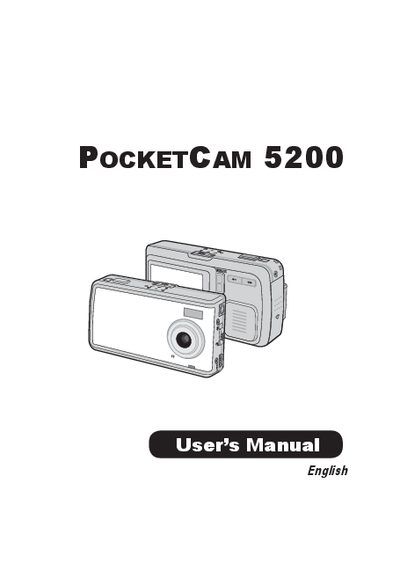
The manual begins with safety notices and a quick‑start guide covering battery loading, charging, and inserting an SD/MMC card. It then describes the camera’s parts, basic operation such as turning on/off, mode selection, taking pictures, zooming, focusing, and recording video or voice clips.
Advanced operations cover picture resolution, flash, white balance, exposure settings, and using the device as a PC camera. The document ends with troubleshooting messages, a specifications table, and compliance information.
| Sensor effective resolution | 3 Mega (2048x1536) pixels |
|---|---|
| Interpolated resolution | 5 Mega (2560x1920) pixels |
| Internal memory | 16 MB flash (12 MB usable) |
| External memory (max) | 12 MB SD/MMC card |
| LCD display | 2" Color LTPS LED |
| Battery type | 8210 Series Li‑ion |
| Video resolution | ASF 640×480 up to 20 fps |
The camera supports SD or MMC cards ranging from 8 MB to 512 MB.
Replace the SD/MMC card or delete some files to free memory space.