
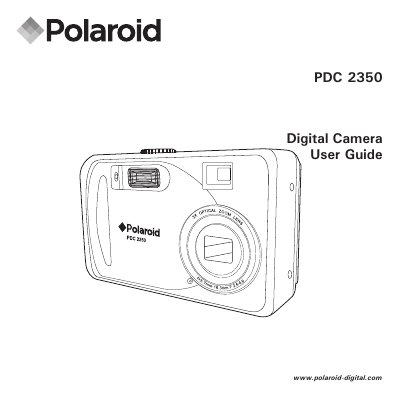
The Polaroid PDC 2350 is a digital camera with point-and-shoot operation. The guide describes adjusting resolution for print or email, white balance for light conditions, and sharpness for the subject. Pictures and video clips can be stored in internal memory or on an SD card and played back on the LCD screen, a TV, or a computer.
The manual opens with package contents and camera controls, then covers camera settings, taking and managing pictures, recording video clips, playback, SD card use including DPOF, installing software, transferring files to a computer, troubleshooting, and appendix topics such as camera default settings and safety.
| Storage media | Internal memory or SD card |
|---|---|
| Memory card type | SD (Secure Digital) card |
| DC power input | DC 3V, 1.5A |
| Battery type | 2x AA batteries |
Included accessories include a USB cable, video cable, pouch, hand strap, and batteries.
Yes. Pictures and video clips can be stored in internal memory or on an SD card.
Yes. Playback is supported on the LCD screen, TV, or a computer.
The camera uses 2x AA batteries.