
This manual is designed to assist you in using your new digital camera. All information presented is as accurate as possible but is subject to change without notice. This manual contains proprietary information protected by copyright. No part of this manual may be reproduced without prior written permission of the manufacturer.
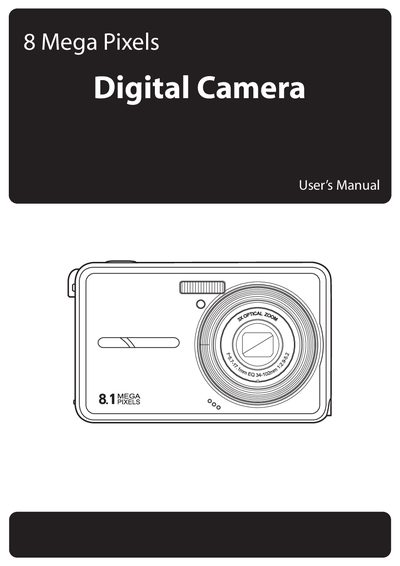
This user manual explains how to install the battery, attach accessories, and configure basic settings for the 8 Mega Pixels digital camera. It includes safety precautions, battery handling, and an overview of the camera’s buttons, views, and menu structure.
Key sections cover image capture settings, video recording, playback functions, file transfer to a PC, and a detailed specifications table. The troubleshooting chapter lists common problems such as power‑up issues, LCD behavior, and memory‑card errors, with recommended actions.
| Video Output | PAL, NTSC |
|---|---|
| Speaker | Yes, Mono |
| Battery Type | NP40 |
| Camera Interface | USB 2.0 full speed |
Charge or replace the batteries, and make sure they are inserted with the correct polarity.
The LCD powers off to save energy; press any button to reactivate the display.
Re‑format the memory card using the camera’s formatting option.