
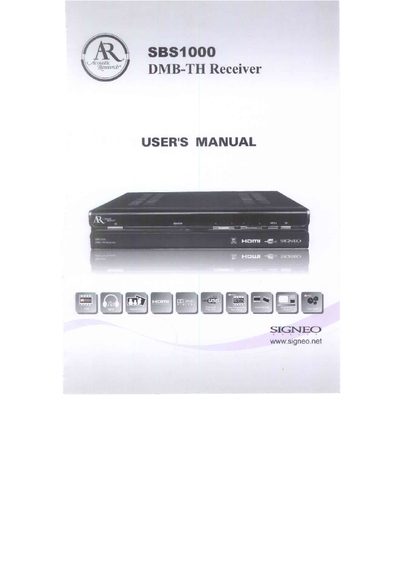
This manual guides users through installation, basic operation, and maintenance of the SBS1000 DMB-TH receiver. It includes safety notices, connection diagrams, remote‑control functions, and a full list of features.
Key sections cover antenna and video/audio cable connections, remote‑control learning, software upgrade via RS‑232, and a troubleshooting guide for common issues such as no picture or audio problems. This manual is written in Chinese.
| Frequency range | 48 - 862 MHz |
|---|---|
| Input voltage | AC100‑240 V, 50/60 Hz |
| Power consumption | 20 W max |
| Video formats | 4:3, 16:9 |
| Video standard | PAL/NTSC auto |
| Audio formats | MPEG‑1, AC‑3 |
| Audio channels | Left, Right, Surround |
| Operating temperature | 0 °C‑40 °C |
Use the RS‑232 (RS‑332) interface to connect the receiver to a computer and run the provided upgrade software.
Verify that the power cable is connected, the video cable (HDMI, CVBS, etc.) is securely attached, and press the STB POWER button to turn the receiver on.