
This manual provides detailed instructions on how to use the PocketDV 3300, including preparing the camera, digital video mode, digital camera mode, voice recording mode, playback mode, MP3 mode, camera settings, TV output, copying files to PC, and using PC camera
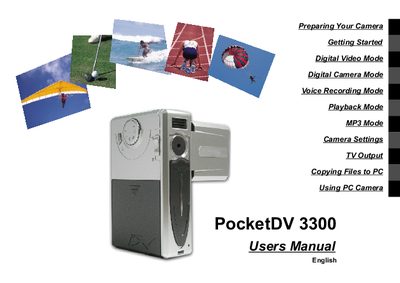
This manual introduces the PocketDV 3300 digital video camera, covering its hardware features, accessories, and basic handling. It includes safety notices, battery installation, SD/MMC card usage, and how to attach the wrist strap and bag.
The guide also details the camera's operating modes (digital video, stills, voice recording, MP3), specifications such as resolution and memory, and provides contact information for Aiptek service centers.
| Hardware resolution | 2048x1536 pixels (3 Mega) |
|---|---|
| Sensor effective pixels | 1600x1200 pixels (2 Mega) |
| Internal memory | 16 MB Flash |
| Maximum expandable memory | Up to 256 MB |
| LCD display | 1.5‑inch color TFT LCD |
| Battery type | 4 × AA Alkaline |
| Dimensions | 107 × 40 × 69 mm |
The camera runs on four AA alkaline batteries.
The camera supports SD/MMC cards up to 256 MB.
Thread the strap through the hook on the side of the camera and the hook on the bottom, then fasten it.
No, using batteries of different brands or types together can cause an explosion.