
This document is the user manual of GA-8TRS300M motherboard, introducing the functions and features of the motherboard
The manual explains how to install the GA‑8TRS300M motherboard, covering CPU placement, memory installation, power connections, and peripheral wiring. It also includes the BIOS configuration procedures and troubleshooting tips.
Key sections include the Declaration of Conformity, detailed motherboard layout diagrams, CPU and memory installation steps, AGP/PCI slot usage, USB and audio interface descriptions, and a quick‑start checklist for system bring‑up. This manual is written in Chinese.
| CPU Socket | Socket 478 |
|---|---|
| Supported Memory Types | DDR400/DDR333/DDR266 DIMM |
| AGP Interface | AGP 4X/8X 1.5 V |
| PCI Slot Speed | 33 MHz PCI 2.2 compliant |
| USB Ports | USB 2.0/1.1 |
| Audio Codec | RealTek ALC655 |
| Network Controller | Realtek RTL8100C (10/100 Mbit) |
The board uses a Socket 478 for Pentium 4 processors.
It supports DDR400, DDR333 and DDR266 DIMM modules up to 4 GB unbuffered.
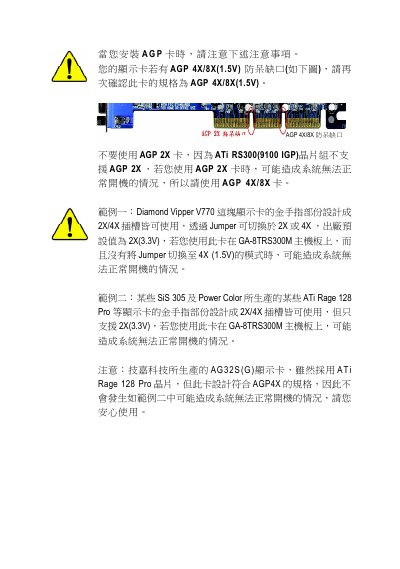
The motherboard provides AGP 4X and 8X slots operating at 1.5 V.
Yes, it includes USB 2.0 and USB 1.1 ports.