
This document describes the precautions to be taken when installing an AGP card, including confirming the card's specification is AGP 4X/8X (1.5V), not using AGP 2X cards, and the possibility of certain specific models of graphics cards causing the system to fail to boot.
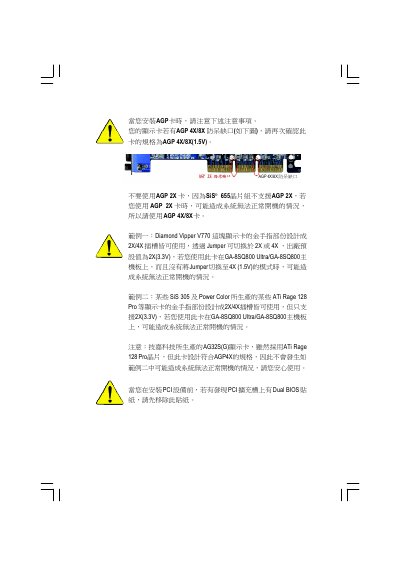
This manual provides step‑by‑step instructions for installing the GA‑8SQ800 Ultra/GA‑8SQ800 motherboard, including CPU, memory, expansion cards and cable connections. It also details safety precautions such as handling of static‑sensitive components and removal of Dual BIOS stickers before PCI installation.
Additional sections cover BIOS configuration options, built‑in peripheral features, RAID support, and troubleshooting tips. The document includes a full parts list, layout diagram and technical reference data for the SiS 655 chipset and related components. This manual is written in Chinese.
| Form Factor | ATX 30.5 cm x 24.4 cm |
|---|---|
| CPU Socket | Socket478, supports Intel Pentium 4 (Northwood, 0.13 µm) |
| Chipset | SiS 655 Host/Memory controller, SiS 963 Multi‑IO |
| AGP Slot | 1 × AGP 3.0, supports 8X/4X |
| PCI Slots | 5 × PCI 33 MHz, PCI‑2.2 compliant |
| IDE Ports | 2 × IDE (UDMA 33/ATA 66/ATA 100/ATA133), RAID‑capable |
| SATA Ports | 2 × SATA, 150 MB/s operation |
| Audio Codec | RealTek ALC650 |
| Network Interface | Realtek RTL8101L, 1 × RJ45 |
No. The SiS 655 chipset does not support AGP 2X, and using such a card may prevent the system from booting.
Remove the Dual BIOS sticker from the PCI slot before installing the device.
Yes, it supports Intel Pentium 4 processors with HT technology.