
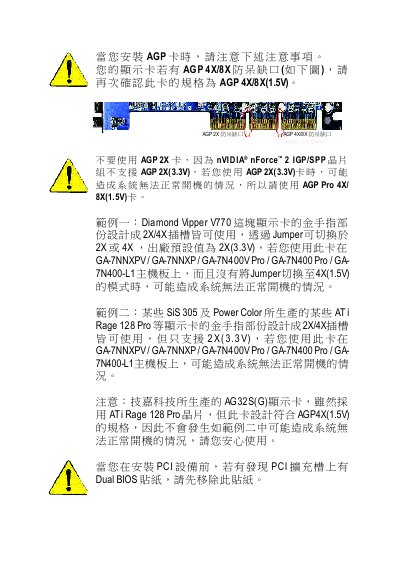
This document describes the precautions to be taken when installing an AGP card, including not using an AGP 2X card and recommending the use of AGP Pro 4X/8X(1.5V) cards. It also mentions that certain models of graphics cards may cause the system to fail to boot properly.
This manual provides detailed instructions for installing and configuring the Gigabyte GA-7NNXPV (also GA-7NNXP, GA-7N400V Pro, GA-7N400 Pro, GA-7N400-L1) motherboard. It includes board layout diagrams, BIOS configuration steps, and descriptions of all connectors and expansion slots.
The document also lists the technical specifications such as supported CPUs, memory types, AGP/PCI slots, storage interfaces, USB ports, and audio/video outputs, helping users set up the system correctly and troubleshoot common issues. This manual is written in Chinese.
| CPU Socket | AMD Socket A (Athlon, Athlon XP, Duron) |
|---|---|
| Memory Type | 184‑pin DDR DIMM, DDR400/DDR333/DDR266 |
| AGP Slot | AGP Pro 8X/4X (1.5 V) |
| PCI Slot | 33 MHz PCI 2.2 compliant |
| IDE Ports | 2 IDE bus master (UDMA 33/ATA 66/ATA 100) |
| SATA Ports | Serial ATA (SATA) ports |
| USB Ports | 6 USB 2.0/1.1 ports |
| Audio Codec | Realtek ALC650 CODEC |
It supports AMD Socket A processors, including Athlon, Athlon XP and Duron CPUs.
The board uses 184‑pin DDR DIMM modules, supporting DDR400, DDR333 and DDR266 up to a total of 3 GB unbuffered DRAM.
It provides an AGP Pro 8X/4X slot, a 33 MHz PCI slot, two IDE ports, Serial ATA ports, six USB 2.0/1.1 ports, and an IEEE1394 (FireWire) connector.