
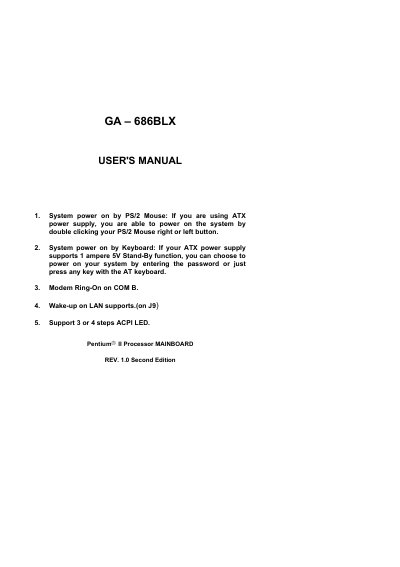
This manual explains how to install and configure the GA-686BLX motherboard. It covers power‑on methods using a PS/2 mouse or keyboard, modem ring‑on settings, Wake‑on‑LAN, and ACPI LED options.
The guide also details jumper and DIP‑switch settings for CPU speed, power‑supply pin assignments, USB and other peripheral connectors, and top‑performance chipset options. Technical tables list supported Pentium II CPUs and the 82443LXPIIX4 chipset configuration.
| Supported CPU speed range | 200‑633 MHz |
|---|---|
| Chipset | 82443LXPIIX4 |
| Power connector pins | +5V, +12V, -5V, -12V, Power Good, Stand‑by |
| USB port pins | VCC, GND, SBV0‑, SBV0+ |
If you are using an ATX power supply, you can power on the system by double‑clicking the PS/2 mouse button.
The J9 connector is used for Wake‑on‑LAN, with pins for GND, Signal, and +5V.
The ATX power connector includes pins for +5V, +12V, -5V, -12V, Power Good, Stand‑by (+5VSB), and PS‑ON.