
This document describes that the equipment has been tested and complies with the limits for a Class B digital device according to Part 15 of the FCC rules. These limits are designed to provide reasonable protection against harmful interference in residential installations. The equipment generates, uses, and can radiate radio frequency energy, and if not installed and used in accordance with the instructions, may cause harmful interference to radio communications. If the equipment does cause interference, the user is encouraged to try to correct it by reorienting or relocating the receiving antenna, moving the equipment away from the receiver, plugging the equipment into a different circuit, or consulting a dealer or technician. Any change or modifications to the equipment not expressly approved by the party responsible for compliance could void the user's authority to operate such equipment. The device complies with Part 15 of the FCC Rules and must not cause harmful interference while accepting any interference received.
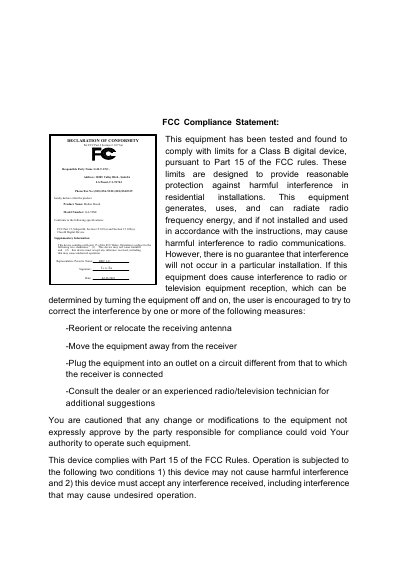
This guide provides the necessary information to install and configure the 7ZXE GA-7ZXE motherboard. It includes FCC compliance statements, safety precautions, and the declaration of conformity required for legal use in residential environments.
The manual walks the user through hardware installation, BIOS setup (press F2 to enter the Flash Utility), and troubleshooting steps such as reducing radio interference. It also lists technical details like the supported Socket A CPUs and BIOS version 1.24e.
| CPU socket | Socket A |
|---|---|
| Release date | July 2001 |
Try reorienting or relocating the receiving antenna, moving the equipment away from the receiver, plugging it into a different outlet, or consulting the dealer for further suggestions.
Press F2 during startup to enter the Flash Utility and access the BIOS configuration.
The device may not cause harmful interference and must accept any interference it receives.