
This file is the user manual of the 6EX motherboard, which introduces the features, performance, installation and configuration of the motherboard.
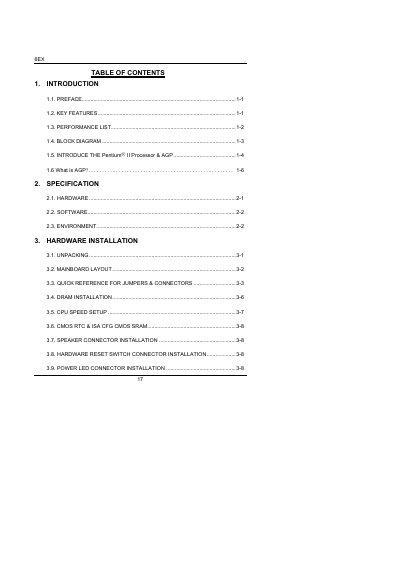
This manual covers everything needed to install and operate the 6EX Pentium II processor motherboard, including hardware layout, jumper settings, and BIOS setup. It also details supported components, environmental limits, and safety precautions.
Key sections include an introduction with key features, a full specification table, step‑by‑step hardware installation, BIOS configuration procedures, and a reference for jumpers, connectors, and peripheral devices.
| CPU | Pentium II Processor 200–633 MHz |
|---|---|
| System Speed | 66 MHz |
| Memory Capacity | 8 MB – 256 MB EDO/256 MB SDRAM |
| PCI Slots | 4 × 33 MHz Master/Slave PCI slots |
| AGP Bus Speed | 66 MHz (133 MHz in 2× mode) |
The CPU speed is set by DIP switches; select the appropriate combination to match the desired processor frequency (e.g., 200 MHz, 233 MHz, up to 366 MHz).
The board supports 3.3 V EDO or SDRAM DIMM modules ranging from 8 MB to 256 MB, with ECC or non‑ECC options.
Replace the battery with the same type recommended by the manufacturer; the battery life is about five years.