
This is the user manual of 6EMMP motherboard
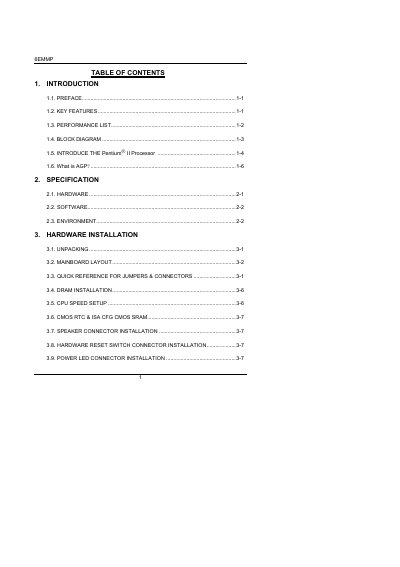
This manual covers the 6EMMP motherboard, a Pentium II‑based PC/AT compatible board featuring AGP, PCI, and ISA buses, built‑in ATi RAGE PRO graphics, and a YAMAHA audio chip. It includes detailed sections on hardware installation, BIOS setup, and peripheral connections.
The document guides users through unpacking, installing the CPU, DRAM, and other components, configuring BIOS options, and installing drivers for the onboard graphics and audio. Safety notes, jumper settings, and connector wiring are also provided.
| Processor | Intel Pentium II |
|---|---|
| Chipset | Intel 440EX |
| Memory support | 8 MB – 256 MB EDO / 256 MB SDRAM, 2 × DIMM slots |
| Graphics | Built‑in ATi RAGE PRO 3D (4 MB SGRAM) |
| Audio | Built‑in YAMAHA audio chip |
| Expansion buses | AGP, PCI, ISA |
| USB ports | 2 × USB |
| IDE ports | 2 × Ultra DMA/33 IDE (4 devices) |
Use the DIP switches on the board to select the desired frequency ratio; supported speeds range from 233 MHz to 366 MHz.
Press the designated key during power‑on to enter the BIOS setup menu.
Connect the power‑LED connector to the LED pins on the motherboard, observing the correct polarity.