
This is a user manual that introduces the features and characteristics of the digital echo karaoke and key control amplifier, including delay, echo, repeat, bass, mid, treble, echo effect, power, microphone tone, microphone input, microphone 1, microphone 2, microphone 3, balance, bass, mid, treble, echo volume, microphone master volume, music volume, etc.
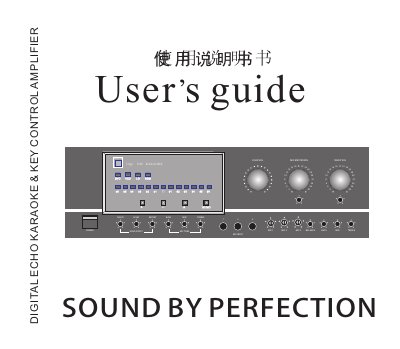
This manual explains the functions of the front‑panel controls, such as Music Volume, Mic Volume, Bass, Mid, Treble, Balance, Echo, Delay and Repeat knobs, and how to adjust them for optimal karaoke performance. It also describes the remote‑control operation, stereo/mono switching, and the procedure for resetting the unit to its factory settings.
Installation notes cover power requirements (AC 180‑240 V, 300 W output), ventilation, safety cautions, and the various audio and video input/output connectors (MIC, AUDIO IN/OUT, VIDEO IN/OUT, SCORE, BGM, LD, VCD, DVD). Technical specifications for power, impedance, frequency response and dimensions are listed for reference. This manual is written in Chinese.
| Input Sensitivity / Impedance (Mic) | 5 mV‑100 mV / 600 Ω |
|---|---|
| Input Sensitivity / Impedance (Line) | 250 mV‑47 kΩ |
| Power Supply Voltage | AC 180‑240 V, 50 Hz |
Hold the reset key while powering on; when the LED panel finishes lighting, the music and mic volume knobs flash eight times and automatically return to the factory positions.