
The 3H mini hard disk player is a high-cost-performance media player that integrates movies, music, and pictures. It not only has AV video output, but also has YUV high-definition 720P output, which makes the image clearer and gives you a perfect visual experience. It particularly supports the rm and rmvb (1280*720P) formats widely used on the Internet.
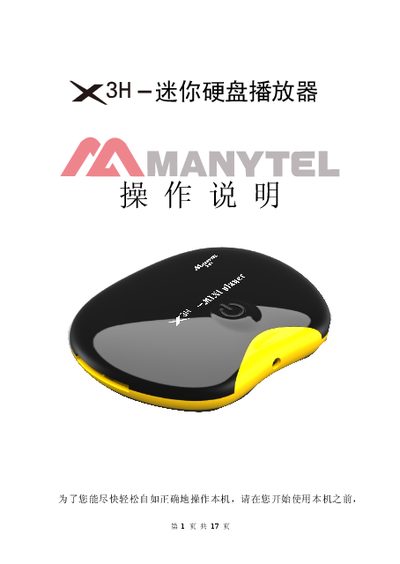
This manual introduces the 3H 2K3H mini hard‑disk player, a compact media player that plays movies, music, and photos directly from external hard drives, USB flash drives or SD cards. It details the front and rear interfaces, supported video and audio formats, and the device’s dimensions and power requirements.
The guide explains how to install batteries in the remote, use the remote’s buttons for power, playback control, video mode switching, and language selection, and offers troubleshooting tips for video output issues, playback freezes, and file‑format compatibility. This manual is written in Chinese.
| Supported storage media | External TDE, SATA hard disks, USB flash drives (plug‑and‑play) |
|---|---|
| Video output formats | NTSC/PAL composite, YUV 720B HD |
| SD card support | File playback from SD cards |
| Audio output | Left/right and stereo channels |
| Supported video formats | RMVB, RM, H.263, H.264, MOV, MP4, VOB, XVID, WMV, VC‑1, etc. |
| Supported audio formats | ME3, WnR, AMEE, FLAC, OGG, RFE, RRC, RC3, DTS |
| Supported image formats | JPEG, GTE, BME, FNG |
| Interface languages | Simplified Chinese, Traditional Chinese, English |
| Dimensions | 90 mm × 68 mm × 20 mm |
| Power supply | External 5.2 V DC switch‑mode power supply |
Remove the battery cover on the remote, pull out the insulating film, and insert the button‑cell battery.
The remote works at a distance of at least about 1 meter and within a 60‑degree angle.
Wait for the device to finish scanning, reduce the number of files, and use a FAT32‑formatted drive for faster access.