
This manual introduces the basic operating methods of the LITE CD-10 CD player, including installation, configuration, operation and maintenance.
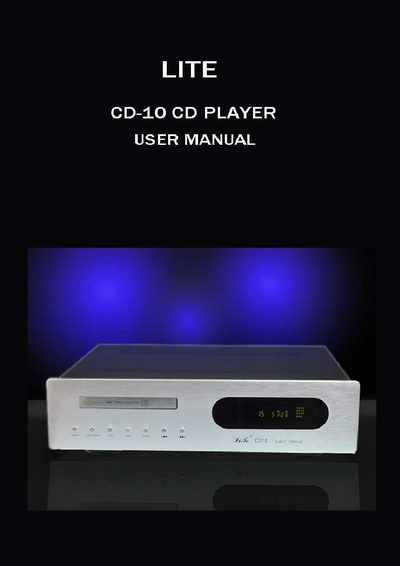
This manual introduces the LITE CD-10 CD Player, covering unpacking, safety warnings, and proper installation. It explains how to connect mains power, signal connections, and remote control operation, and provides guidance on handling discs and using the front‑panel controls.
Additional sections cover maintenance, troubleshooting, warranty information, and detailed technical specifications such as frequency response, distortion, digital outputs, and dimensions.
| Operating System | CD digital audio system (CD, CD‑A) |
|---|---|
| Frequency Response | 20 Hz ~ 20 kHz (‑3 dB) |
| Harmonic Distortion | < 0.005 % |
| Dynamic Range | > 116 dB |
| Signal‑to‑Noise Ratio | 118 dB |
| Digital Outputs | 75 Ω Coaxial RCA, 110 Ω Balanced AES/EBU XLR, Optical Toslink |
| Resolution / Sampling | 24 bits / 192 kHz |
| Dimensions (W×D×H) | 330 × 410 × 115 mm (including feet) |
| Weight | 6.7 kg |
Plug the IEC connector of the supplied mains lead into the rear IEC socket on the unit, then plug the other end into the mains supply.
The remote control handset is powered by two 1.5 V AAA batteries.
Check that a disc is correctly inserted, label side up, and that the disc is not dirty or scratched.