
This document is the user manual for the Asus PW191 monitor, which introduces the features, installation and usage methods of the monitor
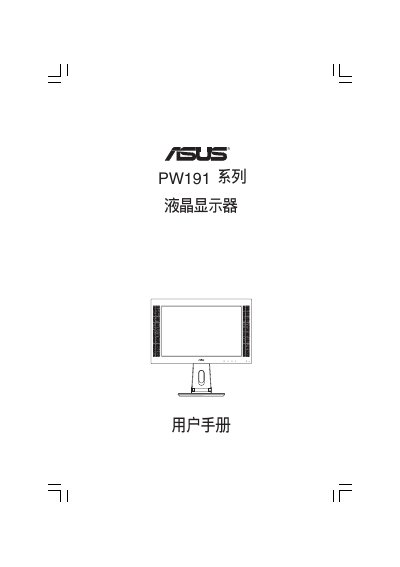
This manual describes the PW191 series LCD display, its safety precautions, warranty limitations, and handling instructions. It warns users to inspect the unit for damage, avoid moisture, and follow proper connection procedures before powering the device.
The document is organized into chapters covering product overview, installation and setup, OSD operation, Pivote Pro usage, troubleshooting, specifications, and packaging contents. It also lists supported video modes and provides detailed technical specifications of the display. This manual is written in Japanese.
| Display resolution | WXGA+ 1440x900 |
|---|---|
| Brightness | 300 cd/m² |
| Viewing angle | 160°/160° |
| Power input | AC 100‑240 V |
| Dimensions (W×H×D) | 520 mm × 490 mm × 285 mm |
Connect the VGA or DVI connector on the back of the display to the corresponding output on the computer, then verify the connection before powering on.