
This document provides safety instructions for using the LCD display, including electrical safety, installation safety, cleaning safety, components and accessories, usage, installation guide, display adjustment, operation, screen adjustment, attachment, plug and play, power saver, troubleshooting, technical specifications and display mode.
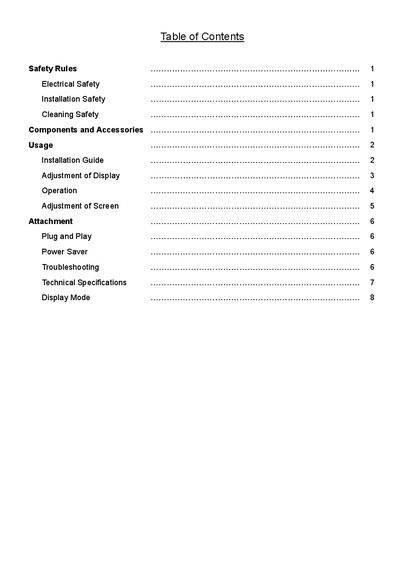
This manual provides safety guidelines, installation steps, and adjustment procedures for the UP060B1190 LCD display. It covers electrical, installation, and cleaning safety, as well as detailed instructions for connecting power, signal, and audio cables.
The document also includes a full list of technical specifications such as panel size, resolution, brightness, power consumption, and environmental limits, plus troubleshooting tips and information on plug‑and‑play and power‑saving features.
| Panel Size | 17 inch (431.8 mm) diagonal |
|---|---|
| Maximum Resolution | 1280 × 1024 (SXGA) |
| Brightness | 370 cd/m² |
| Contrast Ratio | 350 : 1 |
| Response Time | 14 ms |
| Power Consumption | 51 W (standby 3 W) |
| Input Connector | D‑Sub 15‑pin (VESA) |
| Power Input | AC 100‑240 V, 50/60 Hz |
| Net Weight | 3.5 kg |
| Operating Temperature | 5 °C – 35 °C |