
This manual provides information about the hardware and software of the Zhaoyang X500 series notebook computer, and introduces the configuration and features of the product.
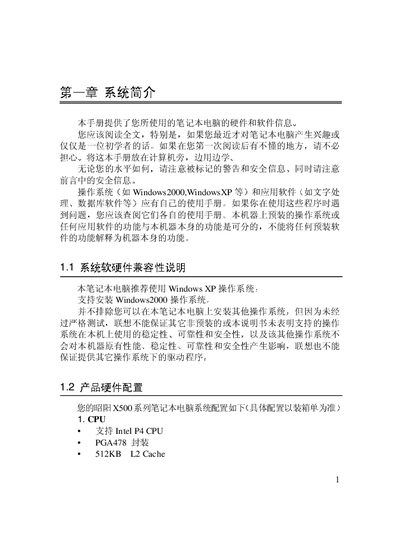
The document describes the Lenovo X500 laptop's hardware configuration, compatible operating systems, and safety information. It includes detailed specifications such as CPU, chipset, memory, display, audio, and ports, as well as dimensions and weight.
It also guides users through initial setup, power connection, battery handling, LCD operation, and troubleshooting. Service contact information and warranty details are provided at the end of the manual. This manual is written in Chinese.
| CPU | Intel P4, PGA478, 512KB cache |
|---|---|
| Chipset | Intel 845PE |
| Display | 14" 1024×768 XGA TFT, 15" 1400×1050 SXGA+ TFT |
| Audio Codec | Realtek ALC202 AC97 |
| Optical Drive | DVD‑ROM / DVD‑CDRW combo |
| Dimensions (front) | 327 mm × 269 mm × 36 mm |
| Weight | 2.9 kg |
| Power Input | 100‑240 V AC |
Connect the external power adapter, fully charge the battery, then discharge it completely and recharge, following the steps in the Battery Initialization section.
The AC adapter works with an input voltage range of 100‑240 V.