
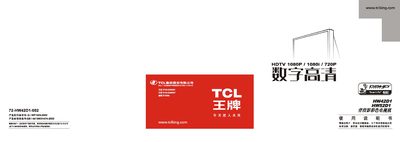
This manual explains how to install and connect the TCL HW42D1/HW52D1 projection television, including safety warnings, power requirements, and antenna setup. It also describes the remote‑control functions, battery installation, and the various picture modes such as VGA, HDTV, and color‑center adjustment.
The guide covers everyday use, including channel searching, program editing, time management, and how to resolve common issues like no picture, no sound, or color distortion. A parts list and warranty information are also included. This manual is written in Chinese.
| Screen diagonal (HW42D1) | 107 cm (42 in) |
|---|---|
| Screen diagonal (HW52D1) | 132 cm (52 in) |
| Power consumption | 200 W |
| Operating voltage | 175‑240 V ~ 50 Hz |
| Dimensions (HW42D1) | 1015 mm × 552 mm × 934 mm |
| Weight (HW42D1) | ≈ 50 kg |
| Audio output power | 20 W × 2 |
| Video inputs | 4 inputs, 1 output |
| Channel memory | 100 channels |
Verify that the household fuse or circuit breaker is normal, ensure the power switch is on, and check that the power cord is securely connected.
Press the MENU key, use the red cursor to align with the green marker for each color (red, blue, green), then confirm to save the adjustment.
The TV can store up to 100 preset channels.