
Installation and user guide for 25-Seven Systems Voltair Version 2.3, covering setup, operation, calibration, remote control, troubleshooting, and…
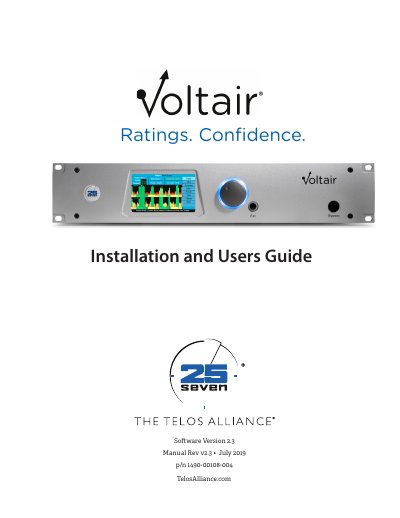
This 25-Seven Systems Voltair Installation and User's Guide documents Version 2.3 of the Voltair software. It covers background, quick hookup, installation, calibration and setup, best practices, operation details, browser-based remote control, and the Voltair control language.
The guide also includes troubleshooting and updates, using Voltair with Omnia, Voltair M monitoring for PPM encoding, the PPM ecosystem, technical specifications, warranty, and customer support contact information.
| Power voltage range | 100-240v |
|---|---|
| Use environment | Indoor use only |
| Cooling requirement | Requires free flow of air |
| FCC classification | Class A computing device |
The guide covers Software Version 2.3, with Manual Rev v2.3 dated July 2019.
Voltair has an autoranging line voltage input. Ensure the power voltage is within 100-240v.
Contact Telos Alliance before returning any equipment for factory service. The unit's serial number is needed, and a return authorization number will be issued.
The latest Telos Alliance warranty is at telosalliance.com/warranty.