
D-MG31 Intel® Core™2 Family/Pentium® D/Pentium®4/Celeron® D LGA775 processor motherboard user manual, introduces the characteristics and features of the motherboard, installation and use methods.
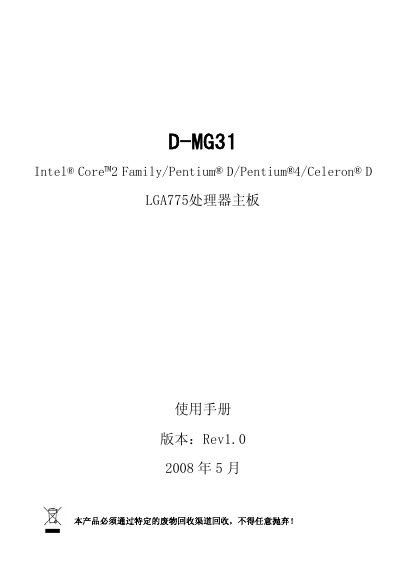
The DAMTIN D-MG31 motherboard manual covers everything needed to assemble and configure a PC using this M‑ATX board. It includes hardware installation instructions, connector descriptions, BIOS setup options, driver installation guidance, and troubleshooting tips.
The document also lists the technical specifications such as supported CPUs, memory capacity, chipset details, integrated graphics, networking, audio, storage interfaces, and warranty terms, helping users verify compatibility and optimize system performance. This manual is written in Chinese.
| Board size | 244 mm × 207 mm |
|---|---|
| CPU socket | Socket 775 LGA775 |
| Supported processors | Intel Core2, Pentium D, Pentium 4, Celeron D LGA775 |
| Memory slots | 2 × 240‑pin DDR2 DIMM, up to 4 GB |
| Chipset | Intel G31 + ICH7 |
| Integrated graphics | Intel GMA 3100 |
| Ethernet | Realtek 10/100 Mbps |
| Audio codec | Realtek 5.1 HD Audio |
| SATA ports | 1 eSATAII, 4 SATA2 |
| USB ports | 8 USB 2.0 (480 Mb/s) |
It has two 240‑pin DDR2 DIMM slots that together support up to 4 GB of RAM.
The board supports Intel Core2, Pentium D, Pentium 4 and Celeron D processors using the LGA775 socket.
In the BIOS menu under the "Frequency/Voltage" section.
The product is covered by a three‑year warranty.