
This is a manual on VC404P_401P installation guide. It mainly introduces the hardware system introduction and installation instructions, software system introduction, product features, system requirements, etc.
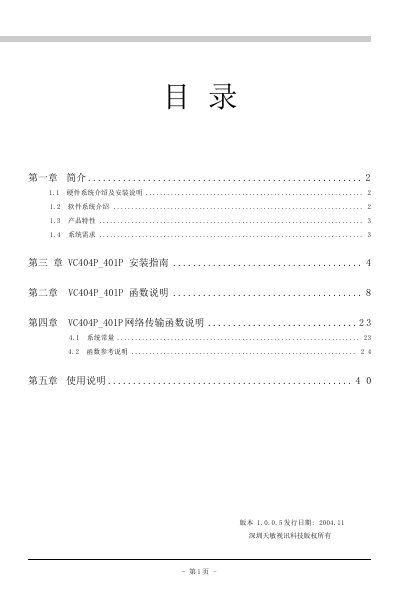
This guide provides a complete overview of the VC404P_401P video capture card, covering hardware and software system descriptions, product features, and system requirements. It also details the installation steps for Windows 2000/XP and explains how to set up and use the provided SDK.
The document includes API reference information, error‑code definitions, and color‑control settings, enabling developers to integrate the card into their applications and troubleshoot common issues. This manual is written in Chinese.
| Chipset | SAA7134 |
|---|
Windows 2000 and Windows XP are supported.
Call the function VCAInitSdk (e.g., VCAInitSdk(hWndMain, TRUE, TRUE)).
ERR_NODEVICEFOUND = 1.
Use the COLORCONTROL enum with BRIGHTNESS and set a value between 0 and 255 (e.g., 80).