
The R80 USB Sports Wheel is an innovative racing steering wheel with 4 wheel-mounted buttons, 2 gas and brake paddles, a pedal-free wheel and an ultra compact design that saves desktop space.
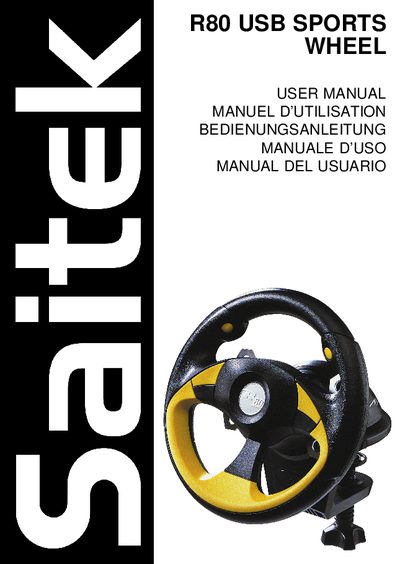
This manual provides instructions for the Saitek R80 USB Sports Wheel, a pedal-free racing wheel designed to improve driving experience by transferring gas and brake functions to paddles behind the wheel. Key features include four wheel-mounted buttons, gas and brake paddles, and an ultra-compact design.
Open the Game Controllers window, select Saitek R80, click Properties, go to the Test tab, and verify the cursor moves to corners and indicators light up when buttons and paddles are pressed.
Check the cable connections, unplug the controller, and plug it back in to ensure it is securely attached.