
PU-212 is a PC Card 2 port USB 2.0 host that is fully backward compatible with USB 1.1 and provides two external USB 2.0 ports. It supports hot-swapping and has a transfer speed of up to 480Mbps.
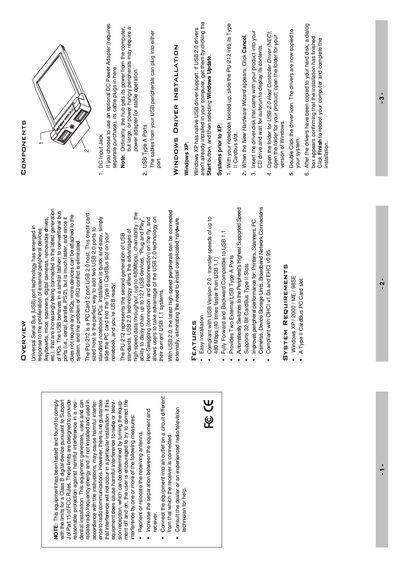
The PU-212 is a credit‑card‑sized PC Card that adds two USB 2.0 Type‑A ports to a notebook via a Type II CardBus slot. It supports high‑speed data transfer up to 480 Mbps and is backward compatible with USB 1.1 devices.
This manual covers system requirements, step‑by‑step installation, driver installation, how to verify the driver, connecting peripherals, technical specifications, and warranty information.
| USB Connectors | 2 Type‑A |
|---|---|
| Transfer Rate | 1.5 / 12 / 480 Mbps |
| DC Input | 5 V, 800 mA |
| OS Support | Windows XP, 2000, Me, 98SE |
| Operating Temperature | 5 ~ 40 °C |
| Storage Temperature | -20 ~ 60 °C |
| Humidity | 0 ~ 80 % RH |
| Weight | 50 g |
| Dimensions | 115.5 × 54 × 13.8 mm |
Insert the driver disk that came with the product into the CD drive, open the appropriate Windows folder, and run the driver installer.
Open Device Manager, expand the Universal Serial Bus controller section, and confirm that entries such as NEC PCI to USB Open Host Controller appear.
An optional DC power adapter can be connected to the DC input jack for peripherals that require more power.