
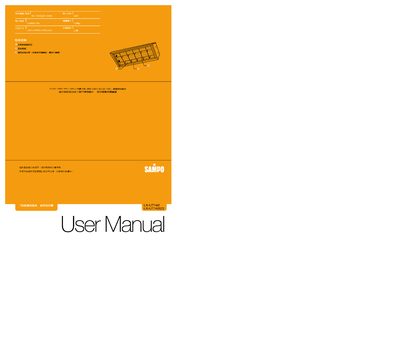
This manual explains how to install the Sampo LX-UT142 T‑type light fixture, including wiring, mounting of the reflector panels and securing the unit. It provides step‑by‑step instructions for connecting the power supply (AC 110V/220V 60Hz) and positioning the T5 14W lamp.
Safety precautions are highlighted, such as keeping the fixture powered off during installation, avoiding direct water contact, and keeping flammable materials away. The guide also covers lamp replacement, troubleshooting signs like burning odor, and contact information for service support. This manual is written in Chinese.
| Operating Voltage | AC 110V/220V 60Hz |
|---|---|
| Recommended Lamp | T5 14W |
Turn off the power, rotate the lamp about 90° to release it, then insert a new T5 14W lamp and secure it.