
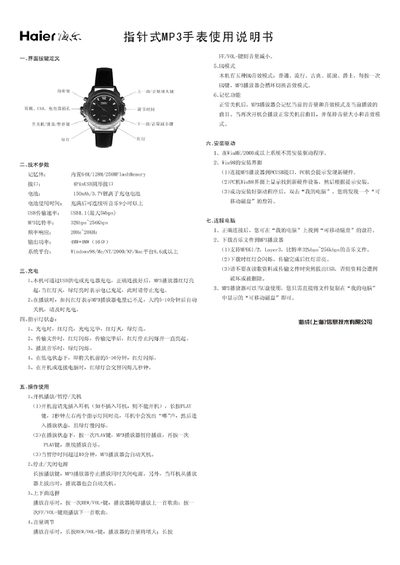
This manual describes the button layout and functions of the Haier Stylus MP3 watch, including volume control, play/pause, track navigation, and mode selection. It also lists the technical specifications such as memory size, battery capacity, USB transfer speed, frequency response, and supported audio formats.
The guide explains how to charge the device via USB or a charger, indicating charging status with red and green LEDs, and how to connect the watch to a computer to transfer music files, where it appears as a removable disk. Operational details cover power‑on, playback control, automatic shutdown, and indicator light behavior during use. This manual is written in Chinese.
| Memory | 64 MB / 128 MB / 256 MB Flash |
|---|---|
| Battery Capacity | 150 mAh 3.7 V rechargeable |
| Battery Life | over 9 hours of continuous playback |
| USB Transfer Speed | USB 1.1, up to 5 Mbps |
| Frequency Response | 20 Hz – 20 kHz |
| Supported Audio Formats | MPEG‑1/2 Layer 3, 32 kbps – 256 kbps |
When charging, the red LED lights up; once the battery is full, the red LED turns off and the green LED lights up.
The green LED flashes while music is playing; it stays solid when the device is idle or fully charged.
A long press of the PLAY button turns the device on or off, and also pauses playback when the device is already on.