
This document is about the operating instructions for the SUPER AUDIO CD PLAYER DCD-SA1. It describes the features and characteristics of the product.
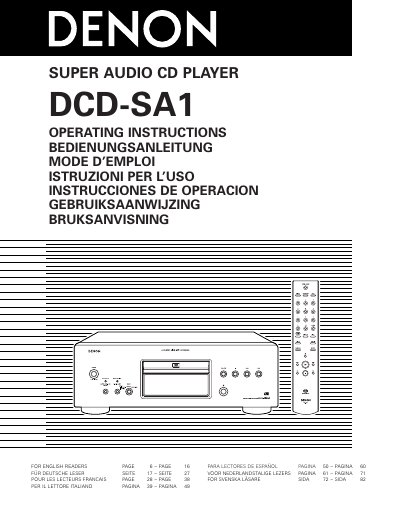
These operating instructions guide the user through safe handling, installation, and basic operation of the Denon DCD‑SA1 Super Audio CD Player. Important safety warnings, such as keeping the unit away from moisture and avoiding foreign objects, are highlighted at the start of the manual.
The manual details connections (analog RCA and XLR, digital optical and coaxial), remote‑control functions, disc loading, playback modes, timer‑controlled playback, and troubleshooting. It also lists accessories supplied with the unit and provides specifications for proper use.
| Operating temperature range | 5 °C – 35 °C |
|---|---|
| Power input | AC |
| Digital output options | Optical and Coaxial (no output for Super Audio CDs) |
Use the included RCA pin‑plug cord for unbalanced analog connections or a Cannon XLR‑3‑32 balanced cable for the XLR outputs.
The player accepts Super Audio CDs (single‑layer, dual‑layer, and hybrid) and standard CDs; CD‑R/RW discs may not play, and specially shaped CDs are not supported.
Yes, the unit uses a semiconductor laser classified as Class 1.
Wipe gently from the middle outward with a soft cloth or commercial disc‑cleaning set; avoid record spray, antistatic, or volatile chemicals.