
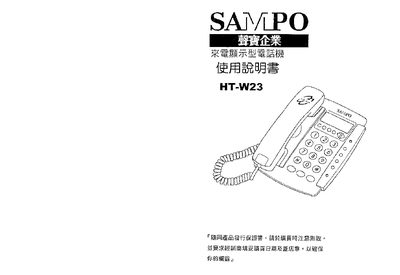
The manual describes the HT-W23 telephone’s functions, including LCD display settings, call memory, and key operations. It outlines the device’s hardware layout and explains the purpose of each button and indicator.
Installation instructions cover battery replacement, mounting the handset, and connecting to the telephone line. Additional sections detail usage procedures such as adjusting brightness, storing call numbers, and using the hold and recall features. This manual is written in Chinese.
| Incoming call memory capacity | 150 entries |
|---|---|
| LCD brightness levels | 1 to 5 levels |
Open the bottom of the phone, remove the screws, take out the old battery and insert a new one with the correct polarity.
Use the LCD brightness adjustment function, which offers five levels ranging from 1 to 5.
The phone can store up to 150 incoming call records.