
This document provides instructions on additional program functions for PR650e, including a cancelling key for the temporary needle bar setting, frame movement speed keys for changing the embroidering position, adjusting the brightness of the screen display, displaying patterns in the selected color during uninterrupted embroidering mode (Monochrome), and adding an operation key to move the needle back or forward on the error message screen.
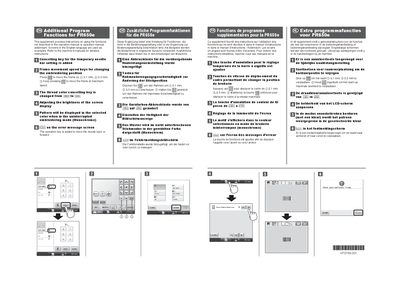
This supplement provides instructions on using specific functions for the PR650e sewing machine that are not described in the standard operation manual or its addendum. It serves as a quick reference for updated keys and screen settings.
Key updates include new keys for needle bar settings, frame movement speed adjustments, and screen brightness controls, as well as changes to the thread color cancelling key.
Press the keys to move the frame by 0.1 mm or 0.5 mm, or keep pressing to move the frame at maximum speed.
Press the frame movement speed keys to move the frame by 0.1 mm or 0.5 mm.
Keep pressing the frame movement speed key to move the frame at maximum speed.
Press the key labeled 回 to adjust the brightness of the screen display.