
T80 series vehicle monitoring and management terminal, through GPS system to improve the effective management of vehicles, grasp the real-time location, speed, mileage information of vehicles, can control the state of vehicles, obtain vehicle safety information, etc., on road safety transport, prevention of road traffic accidents, improve safety management level, implementation of science and technology security strategy has played a decisive role.
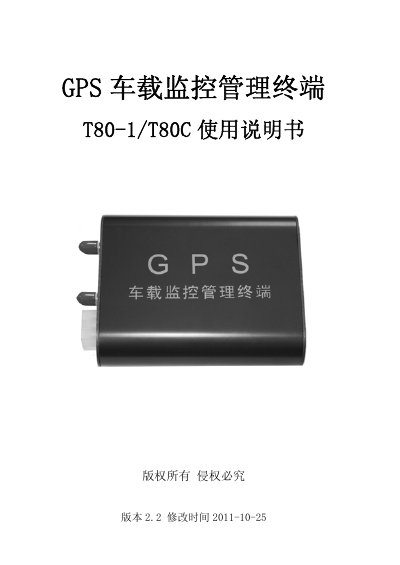
The GPS T80-1/T80C terminal offers satellite positioning, mobile map tracking, real‑time alarms, history playback and report analysis for remote vehicle monitoring. It includes a main unit, GSM/CDMA antenna and GPS antenna, and supports features such as electronic fence, oil cut‑off, speed alarm and emergency help.
The document covers product overview, detailed function descriptions, wiring diagrams, installation steps, technical parameters, fault diagnosis and after‑sales service information, helping users install, configure and maintain the device safely. This manual is written in Chinese.
| Reacquisition time | <1 s |
|---|---|
| Hot start time | <3.5 s |
| Cold start time | 42 s |
| Speed resolution | 1 m/s |
| Positioning accuracy | 2.5 m CEP |
| Working voltage | DC12V±1V or DC24V±2V |
| Working current (12V) | <100 mA |
| Standby current (12V) | <50 mA |
| Operating temperature | -20℃ to 60℃ |
| Dimensions | 97 mm × 70 mm × 24 mm |
Open the device housing, pull out the main board, insert the SIM card into the slot, then re‑insert the board.