
This document is an NC-2100p setup guide that introduces product installation-related content, including product composition, product appearance, and installation steps.
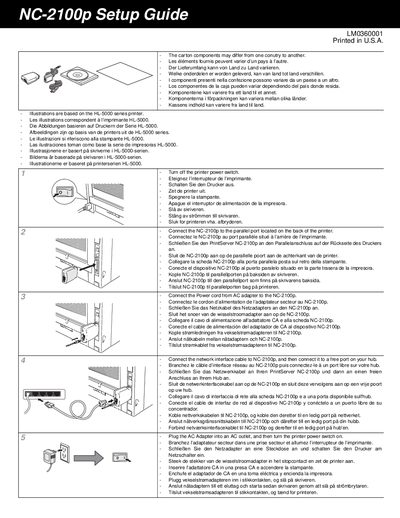
This guide explains how to set up the Brother NC-2100p print server. It covers connecting the device to the printer’s parallel port, attaching the AC power cord, and linking the network interface cable to a hub.
The document also describes installing the required software utilities, such as BRAdmin Professional for network configuration and the printer driver from the supplied CD‑ROM, and points users to the Brother Solutions Center for additional resources.
Connect the NC-2100p to the parallel port located on the back of the printer.
Connect the network interface cable to the NC-2100p and then to a free port on your hub.
Install the printer driver from the CD‑ROM supplied with the printer.
You can install the BRAdmin Professional utility for configuring network settings.