
This is the user manual of STB-888 digital TV set-top box. It introduces the features and usage of the product.
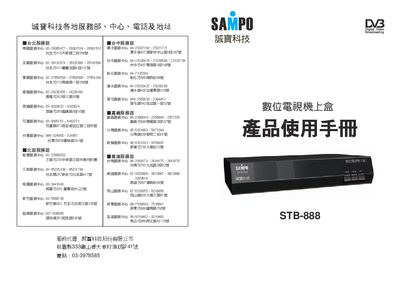
This manual provides step‑by‑step instructions for installing and using the Sampo STB‑888 digital TV set‑top box. It includes details on connecting antennas, performing automatic channel scans, and configuring system settings such as language, video format and parental controls.
Additional sections cover remote‑control functions, timer settings, built‑in games, software upgrades via RS‑232, and warranty information. The guide is written in Chinese and includes diagrams of the remote and menu navigation.
| Supported picture‑in‑picture windows | 9 |
|---|---|
| TV system | NTSC |
| Supported aspect ratios | 4:3 and 16:9 |
| Dolby support | Yes |
The factory default parental‑control password is 0000.
Enter the default password 0000, then confirm by selecting “Yes” to restore all settings to the factory defaults.