
This document is a user manual, providing information about the operation, safe use, and precautions of the product.
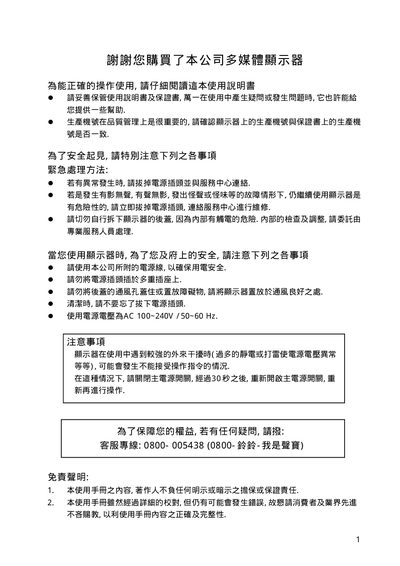
The manual begins with safety precautions, warning about electrical hazards, proper ventilation, and the need to use the supplied power cord. It also explains how to handle the device safely, including emergency power removal and avoiding exposure to moisture or static discharge.
Subsequent sections cover connecting the display via RGB, RS‑232, and audio inputs, basic operation such as power on/off, volume control, menu navigation, signal‑input mode selection, and various settings like sleep timer and image adjustment. The document ends with specifications, dimensions, and optional wall‑mount accessories. This manual is written in Chinese.
| Power supply voltage | AC 100~240V / 50~60 Hz |
|---|---|
| Maximum input current | 15 A |
| Power‑cord wire cross‑section minimum | 0.75 mm² |
| Display pixel count | 920 000 – 3 140 000 pixels |
Turn off the main power switch, wait about 30 seconds, then turn the power back on.
Use an AC supply of 100 V to 240 V at 50 Hz or 60 Hz.
Press the INPUT key to choose the desired signal input mode.