
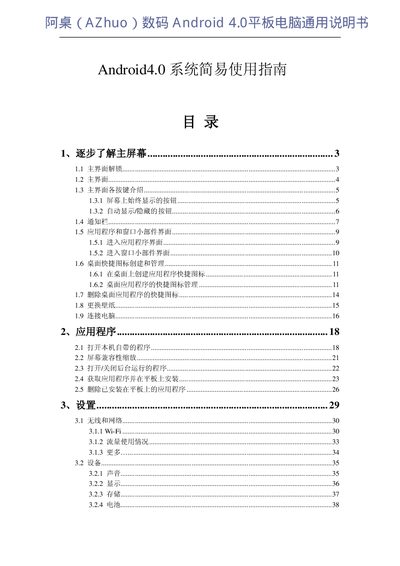
This document is a simple guide to using the Android 4.0 system, which includes information on the main screen, applications, settings, camera, and connecting a tablet to a network.
The guide explains the main interface of the Android 4.0 tablet, including navigation buttons such as the Back key, Home key, and Recent Apps. It describes how to switch between screens by swiping and how to access the app list from the top‑right corner.
Additional sections cover input method setup, Wi‑Fi connection, 3G connectivity via an OTG adapter, and notification handling. The manual also includes tips for date/time settings and accessibility features. This manual is written in Chinese.
| Operating System | Android 4.0 |
|---|
Tap the icon at the top‑right corner of the main screen to display the app list.