
The document introduces a product called Intelligent Remote Control. The remote control has a 256-color touchscreen and an intuitive interface, making it suitable for most devices that understand infrared remote control signals. The remote control is fully customizable and can store RC codes for different brands. It can also learn RC codes from existing remote controls. The document also includes guides on using the remote control, troubleshooting, and maintenance.
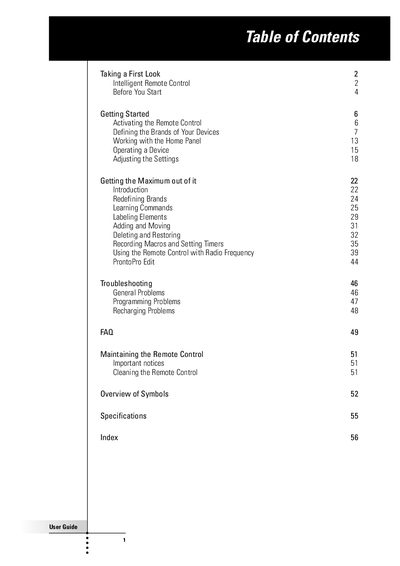
This guide introduces the Intelligent Remote Control, a 256‑color LCD touch‑screen remote that can control infrared (IR) and radio‑frequency (RF) devices. It explains how to install the battery pack, charge the unit, and activate the display using tap, tilt, or backlight button.
The manual covers defining device brands, learning RC codes, creating macros and timers, using the ProntoPro Edit software, and troubleshooting common issues such as charging problems or low‑battery warnings. It also provides an overview of symbols and technical specifications.
| Display | 256‑color LCD touch screen |
|---|---|
| Battery type | Philips NiMH rechargeable battery pack |
| Charging time | 2 to 3 hours |