
This is a KAB Meta Trader- 4 User Manual, which introduces software installation, chart functions and analysis tools, trading related function explanations, mailbox and logs, and other functions.
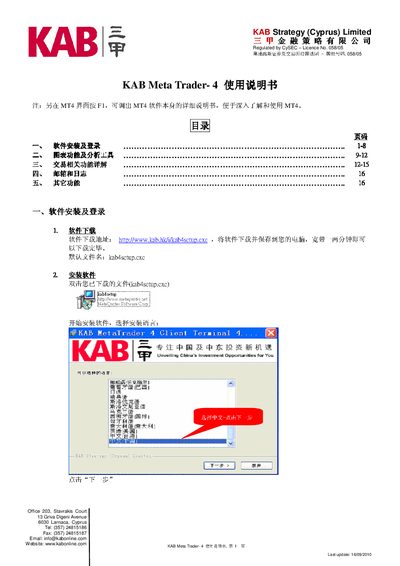
This manual covers the complete setup of the KAB MetaTrader 4 client, including software download, installation steps, and initial login for both live and demo accounts. It also describes how to change passwords, configure alerts, and use the built‑in email and log tags.
Additional sections explain the charting and analysis tools, trading order types, language selection, and other auxiliary functions such as exporting charts as images and printing. The document ends with contact information for KAB Strategy (Cyprus) Limited and a note on the last update date. This manual is written in Chinese.
| Last update | 16/09/2010 |
|---|---|
| CySEC licence number | 058/05 |
Open the Tools menu, select Options, then use the password change dialog to enter the old password and a new one that meets the complexity requirements.
Select the server "KAB-Demo" in the login dialog, enter the provided demo account number and password, then click "Login".