
This document is about the user manual of ZEN Mosaic Media Player, which mainly introduces how to use the functions of ZEN Mosaic Media Player, how to connect to the computer, how to charge, etc.
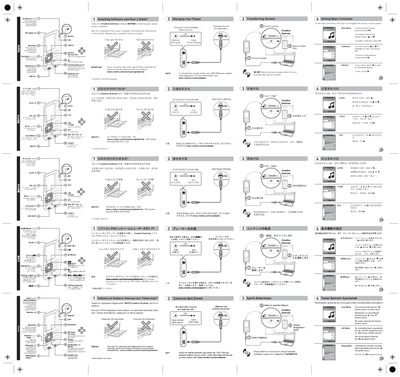
The manual explains how to install the Creative Centrale software before connecting the Zen player to a computer, with instructions for both tray‑type and slot‑type CD drives. It also provides download links for the software and user guide in multiple languages.
Further sections describe charging the player using the optional ZEN USB power adapter (minimum three‑hour charge), transferring media files without disconnecting the device, and navigating the player’s menus to set basic functions.
| Minimum charging time | 3 hours |
|---|---|
| LED USB indicator | Blinking steady when charging |
Run the installation CD on your computer and follow the on‑screen instructions, or download the Creative Centrale software and user guide from the Creative website if you have a slot‑type CD drive.
Charge the player for at least three hours before the first use.