
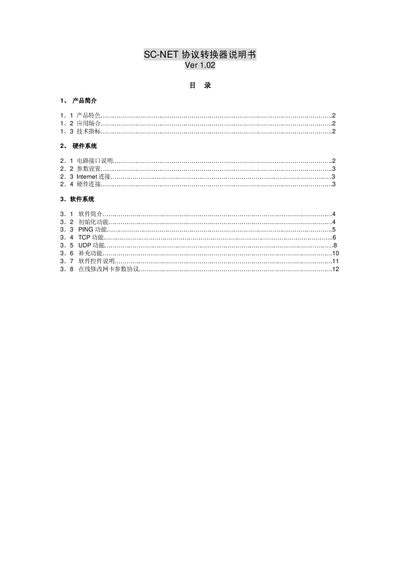
SC-NET protocol converter manual, introduces the product features, such as product features, application scenarios, technical specifications, hardware system, software system, etc.
The SC-NET protocol converter provides RS232/485 serial interfaces that can be linked to a 10 Mbps Ethernet network. It runs an embedded OS with a TCP/IP stack, allowing serial devices to communicate over LAN, supporting both TCP and UDP protocols.
The manual describes hardware connections, parameter settings, and the accompanying software tools for initializing IP settings, testing connectivity with PING, and using TCP/UDP communication functions. This manual is written in Chinese.
| RAM | 32 Kbyte |
|---|---|
| Serial interface | RS232 or RS485, 8‑bit, no parity, no flow control |
| Network interface | 10 Mbps Ethernet (802.3) |
| Default TCP port | 1024 |
| Default UDP port | 1025 |
| Power consumption | 75 mA @5 VDC (terminal) or 100 mA @9 VDC (plug) |
| Dimensions | 115 mm × 75 mm × 25 mm (L × W × H) |
The converter uses TCP port 1024 and UDP port 1025 as factory defaults.
The baud rate can be set to 4800, 9600, 19200 or 38400 bps.