
Instruction manual for G3WP digital camera, including product features, usage methods, precautions and other information.
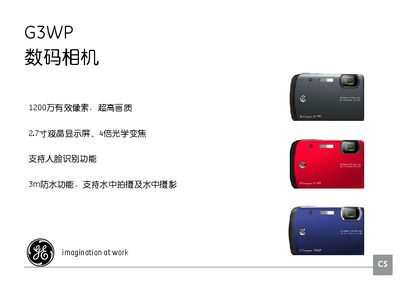
This manual introduces the GE G3WP digital camera, highlighting its 12‑megapixel sensor, 2.7‑inch LCD, 4× optical zoom, 3 m waterproof rating, and face‑recognition feature. It guides users through safe handling, battery installation, memory‑card preparation, and basic shooting modes.
Key sections cover safety precautions, battery and power management, memory‑card usage, detailed operating modes (auto, portrait, night, macro, etc.), LCD screen functions, advanced settings such as white‑balance and exposure compensation, and a troubleshooting guide for common issues like storage‑card errors and printer connectivity. This manual is written in Chinese.
| Effective Pixels | 12 MP |
|---|---|
| LCD Size | 2.7 inch |
| Optical Zoom | 4× |
| Waterproof Rating | 3 m depth |
| Face Recognition | Supported |