
This document is the user guide of Nokia Display Headset HS-6
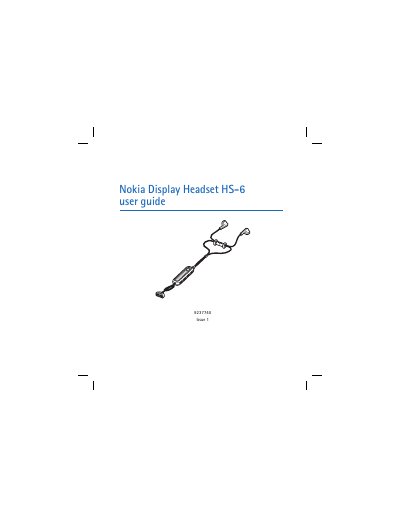
This guide introduces the Nokia HS-6 Display Headset, describing its components such as the earpieces, Pop‑Port connector, display, and control buttons. It explains how to operate basic call functions, adjust volume, view messages, and lock the keys.
The manual also covers radio and music functions, including FM radio and MP3 playback, and provides care and maintenance recommendations to keep the headset in good condition.
| Connector | Pop‑Port TM connector |
|---|---|
| Display | Shows radio channels, music tracks, caller IDs and icons |
| Volume control | Volume up and down buttons |
| Keylock | Keylock switch to lock the headset buttons |
Slide the keylock switch to lock and unlock the headset buttons.
Press the volume up and volume down buttons; hold them to continuously change the volume.
Briefly press the stop button; the time is displayed for a few seconds.
When the headset is connected, make calls normally with your phone; you can answer with the call button.