
This manual introduces the features and characteristics of the TA55MU3 motherboard, including installation, hardware connection and use instructions.
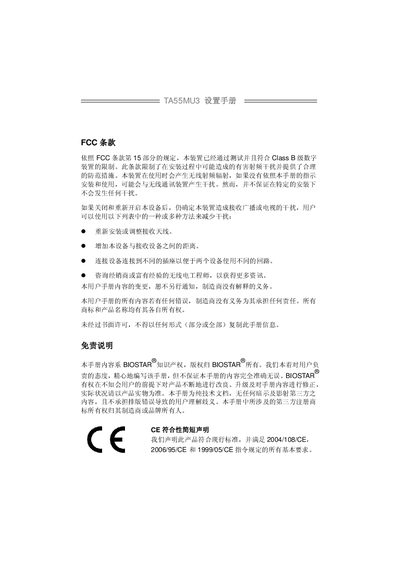
This manual begins with safety information, including FCC compliance, CE declarations, and static‑electricity precautions. It advises users on how to avoid RF interference and outlines anti‑static handling procedures before installing the board.
The remainder of the document describes the motherboard’s features, rear‑panel connectors, BIOS menus, and detailed specifications such as socket type, supported CPUs, memory capacity, storage interfaces, and expansion slots. This manual is written in Chinese.
| Socket | FM1 |
|---|---|
| CPU Compatibility | AMD 64‑bit architecture, 32‑ and 64‑bit |
| Chipset | AMD A55 |
| Memory Slots | DDR3 DIMM x2 (dual‑channel) |
| Maximum Memory | 16 GB |
| Supported DDR3 Speeds | 800 / 1066 / 1333 / 1600 / 1866 MT/s |
| SATA Interface | SATA2.0, supports RAID 0, 1, 10 |
| Network Controller | Realtek RTL8111E |
| USB 3.0 Controller | ASM1042, 600 MB/s |
| Form Factor | uATX (210 mm × 244 mm) |
You can reinstall or adjust the receiving antenna, increase the distance between the device and the receiver, use a different power outlet, or consult a dealer or experienced radio engineer.
Disconnect the computer’s power, use an anti‑static wrist strap or touch a grounded object, avoid touching components directly, and work in a clean, stable environment.
The manual lists support for Windows XP, Windows Vista, and Windows 7.
Enter the Exit menu, select “Restore Defaults”, then save changes and restart the system.